
Listen to this article in summarized format
×
Subscribe to 
Unlock AI Briefing and Premium Content
New Year Offer 24 Hours Left
Subscribe NowAlready a member? Sign In
What's Included
- Exclusive Stories
- Daily ePaper Access
- Smart Market Tools
- Curated Investment Ideas
- Ad-lite Experience
Subscription

 TIL Creatives
How to make phone alarm louder
Related
- Quote of the day by James Taylor: 'If you're an addict, it controls your life and your life becomes...' - motivating quote by Grammy-winning singer of Handy Man and How's The World Treating You explains lessons on how addiction can take control of your life
- Quote of the day by Vince Lombardi: 'Leaders are made, they are not born. They are made by hard effort, which is...' - inspirational quote by Green Bay Packers' head coach of the 1960s, teaches life lessons on leadership, hard work, success and why great leaders are built through effort
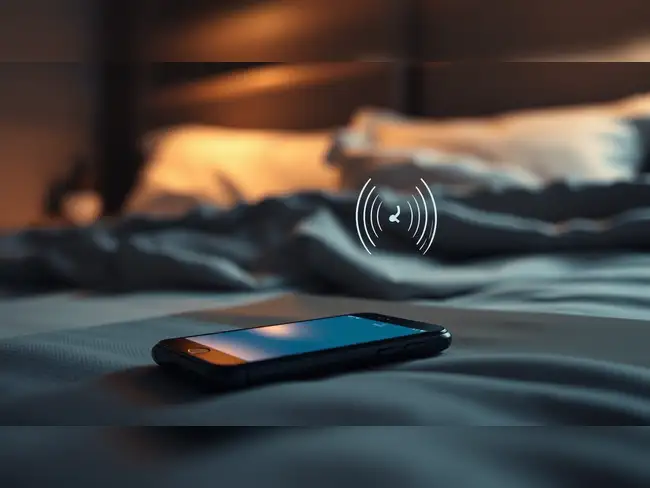
Trick to make alarm sound louder: If your phone alarm has ever failed to wake you up, you may have assumed you needed a new alarm app or a louder device. But the solution could be much simpler: changing where you keep your phone while you sleep.
A small adjustment, placing your phone on a hard surface instead of a soft one, can make your alarm sound more noticeable without changing your phone settings or downloading anything new.
Placing the phone on a bedside table, wooden desk, or another solid surface allows sound to travel more clearly. The surface can also help carry the phone’s vibrations, making the alarm feel stronger when it goes off.
The trick does not increase the actual volume of your phone’s speaker, but it can improve how loudly the alarm is heard in your surroundings.
On iPhones, alarm sounds are controlled through the 'Ringtone and Alerts' volume setting. Apple recommends adjusting this slider under 'Settings > Sounds & Haptics' to make sure alarms are loud enough. Apple also explains that alarms can still play even when the phone is set to Silent mode or certain Focus modes.
On Android devices, alarm volume is separate from media volume, meaning your music or video volume level does not always affect how loud your alarm will be.
Both Android and iPhone users can change their alarm sounds through their built-in Clock apps and select a tone that works better for them
(You can now subscribe to our Economic Times WhatsApp channel)
A small adjustment, placing your phone on a hard surface instead of a soft one, can make your alarm sound more noticeable without changing your phone settings or downloading anything new.
Moving your phone could make your alarm easier to hear
Many people leave their phones on beds, pillows, or blankets overnight. While convenient, those soft surfaces can absorb some of the sound and vibrations coming from the device, making the alarm seem quieter.Placing the phone on a bedside table, wooden desk, or another solid surface allows sound to travel more clearly. The surface can also help carry the phone’s vibrations, making the alarm feel stronger when it goes off.
The trick does not increase the actual volume of your phone’s speaker, but it can improve how loudly the alarm is heard in your surroundings.

Your alarm volume may be lower than you think
Before blaming your phone’s speaker, it is worth checking the alarm volume settings.On iPhones, alarm sounds are controlled through the 'Ringtone and Alerts' volume setting. Apple recommends adjusting this slider under 'Settings > Sounds & Haptics' to make sure alarms are loud enough. Apple also explains that alarms can still play even when the phone is set to Silent mode or certain Focus modes.
On Android devices, alarm volume is separate from media volume, meaning your music or video volume level does not always affect how loud your alarm will be.
Choosing the right alarm tone can also help
The sound you select for your alarm can make a difference. A gentle or quiet tone may not be enough to wake some people, while a louder alarm sound may be easier to notice.Both Android and iPhone users can change their alarm sounds through their built-in Clock apps and select a tone that works better for them
Add  as a Reliable and Trusted News Source
as a Reliable and Trusted News Source Add Now!
 (You can now subscribe to our Economic Times WhatsApp channel)
(Catch all the US News, UK News, Canada News, International Breaking News Events, and Latest News Updates on The Economic Times.)
Download The Economic Times News App to get Daily International News Updates.
Read More News on
(Catch all the US News, UK News, Canada News, International Breaking News Events, and Latest News Updates on The Economic Times.)
Download The Economic Times News App to get Daily International News Updates.